A WordPress maintenance service keeps a site secure, fast, and reliable through routine updates, monitoring, and fixes. WordPress powers about 43% of all websites as of 2024 (W3Techs), which makes it a common target for automated attacks. Regular patching reduces exposure to known vulnerabilities, while performance checks can cut load times by seconds on busy pages. A managed service also handles backups and uptime alerts, helping site owners avoid costly downtime and data loss.
Key takeaways
- Scheduled core, theme, and plugin updates reduce security gaps and site errors.
- Proactive malware scans and firewall checks lower hack risk and clean-up costs.
- Regular backups and tested restores cut downtime after failed updates or attacks.
- Speed tuning, database clean-ups, and caching improve load times and user experience.
- Uptime monitoring and quick fixes prevent lost sales from unexpected site outages.
- Expert support saves staff time and avoids costly mistakes during urgent issues.
What a WordPress Maintenance Service Covers (Updates, Backups, Monitoring)
WordPress.org reported that WordPress powers 43% of all websites. That scale makes maintenance predictable: most site issues come from missed updates, weak backups, or slow detection. A WordPress maintenance service targets those three failure points with routine tasks that reduce downtime and security risk.
Updates cover the WordPress core, themes, and plugins. A typical service applies security patches within 24–72 hours, then checks for conflicts that can break layouts or forms. This matters because plugins often account for most site functionality, and one outdated plugin can expose an entire site.
Backups protect against hacks, human error, and bad updates. Many providers run daily automated backups and keep 30 days of restore points, with off-site storage to avoid losing both the site and the backup in one incident. A good service also tests restores, since an untested backup can fail when time is tight.
Monitoring adds early warning. Uptime checks often run every 5 minutes, while security monitoring scans for file changes and suspicious logins. Performance monitoring tracks page speed and server errors, so small issues get fixed before visitors notice.
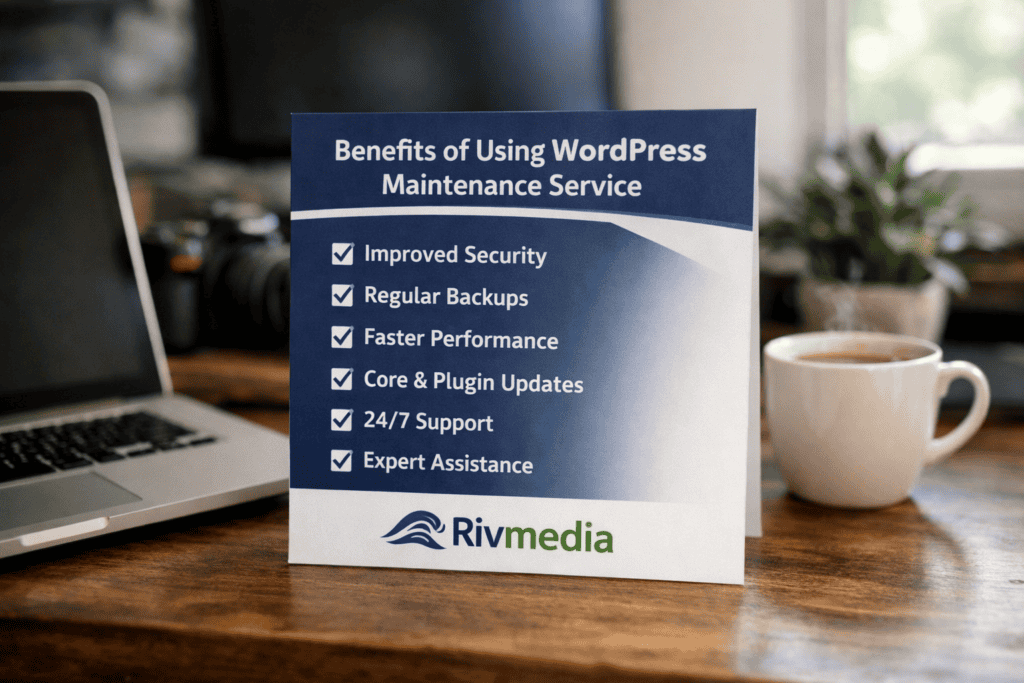
Quote From Adam Hardingham at Rivmedia
Adam’s view is simple: a good service reduces risk through routine checks, fast fixes, clear objectives and excellent customer service. That is why WordPress Care Plans focus on preventing small faults from becoming expensive emergencies. For most small businesses, the broader benefit is confidence: the website keeps converting while the team stays focused on customers, At Rivmedia our maintenance and care plans are a little different, we are UK based, you won’t get an automated reply and the service is second to noone.
If you are hosted on our servers it adds added benefits such as off server backups in multi location offline storage, with much quicker resolution times as we have full access immediately. But even for our non-hosted maintenance clients, having someone at the end of an email that can diagnose or help when needed is massive, let alone the amount of plugin updates that happen every month. ( I think we’ve proceeded around 2300 updates during January 2026 )
We also allow our mainteance and hosting customers the ability to save money on their licencing, we have agency licences for plugins such as, Advanced custom fields, Elementor Pro, Gravity forms, Crocoblock and others which we allow our clients to use upon request, which can greatly reduce what small businesses spend on their yearly WordPress upkeep.
Security Benefits: Patch Management, Malware Scans, and Hardening
Managing WordPress security comes down to a clear choice: handle patches and scans in-house, or use a maintenance service that runs them on a schedule. Both approaches can work, but the risk profile changes fast when updates, scanning, and hardening slip by even a few weeks.
| Security task | Option A: DIY (site owner or internal team) | Option B: WordPress maintenance service |
|---|---|---|
| Patch management | Updates depend on staff time and confidence testing changes. | Applies core, theme, and plugin security patches on a defined cadence, with rollback plans. |
| Malware scans | Often ad-hoc; scanning may stop after a “quiet” period. | Runs automated scans and reviews alerts, reducing time-to-detection. |
| Hardening | Security settings vary by person; changes may not be documented. | Implements consistent controls (least-privilege access, login protection, file integrity checks). |
| Monitoring and response | Alerts can be missed outside working hours. | Monitors key signals and follows a response playbook when suspicious activity appears. |
The key difference is consistency. Wordfence reported that it blocked over 159 billion password attack attempts in 2023, which shows how constant automated attacks are. A maintenance service treats that pressure as normal and builds routine defences around it.
Patch management matters because most WordPress compromises start with known issues in plugins or themes. The CISA Known Exploited Vulnerabilities Catalogue tracks flaws attackers actively use, and many campaigns target unpatched web software within days of public disclosure.
In practice, a service reduces three common failure points:
- Delayed updates that leave a site exposed for weeks.
- Missed malware signals that turn a small infection into a full clean-up.
- Inconsistent hardening that creates avoidable entry points, such as weak admin access controls.
DIY security can still be suitable for teams with clear ownership, testing time, and 24/7 alert cover. For most small and mid-sized sites, a maintenance service lowers risk by making security tasks predictable and repeatable.
Performance Benefits: Speed Optimisation, Database Cleanup, and Uptime
Slow WordPress sites lose visitors fast. Google reports that bounce rates rise by 32% when load time increases from 1 to 3 seconds. Uptime gaps also cut revenue. Gartner defines “five nines” availability as 5.26 minutes of downtime per year, yet many small sites drift well below that without monitoring.
A WordPress maintenance service targets three performance drains: heavy pages, bloated databases, and untracked outages. Speed work focuses on caching, image compression, and script control. Database cleanup removes expired transients, post revisions, and overhead that builds up as plugins and content change. Uptime monitoring checks the site from multiple locations and alerts a technician within minutes, not hours.
Implementation stays practical. The provider runs a baseline test, often using PageSpeed Insights, then applies server-side and plugin caching, converts large images to WebP, and delays non-critical JavaScript. Next, the provider schedules weekly or monthly database optimisation and limits revisions to reduce table growth. The service then sets uptime checks at 1–5 minute intervals and verifies key pages, such as checkout or enquiry forms.
Results show up in measurable metrics: lower Time to First Byte, fewer 500 errors, and steadier uptime. Many sites also see smaller databases, which shortens backup times and speeds up admin searches.
Business Benefits: Reduced Downtime, Predictable Costs, and Time Savings
Reduced downtime protects revenue and lead flow. A one-hour outage during business hours can erase a day of paid traffic value, especially for service companies and freelancers that rely on forms and calls. Maintenance teams also catch “silent failures”, such as broken checkout steps or email delivery issues and security fixes which can cut sales without triggering an uptime alert.
Predictable costs matter for planning. Instead of paying ad-hoc emergency rates, businesses move spend into a fixed monthly line item that is easier to forecast. That shift also reduces internal disruption and shortens response time when issues appear. Atlassian found employees spend 31% of their time in unproductive work, often driven by interruptions and rework. When a specialist handles routine site care, staff time returns to sales, delivery, and customer support.
How to Choose the Right WordPress Maintenance Service (SLAs, Support, Reporting)
A Manchester accountancy firm switched maintenance providers after a weekend outage left the site offline for 3 hours. The contract promised a “fast response”, yet the first reply arrived 9 hours later. The company lost two enquiry calls, which if it happens on a regular basis can be considerable.
Look for a clear response time, such as 1 hour for critical faults, and an uptime target, such as 99.9% monthly. Confirm what “critical” means, because a broken checkout or form can cost more than a full outage.
Support quality matters as much as speed. Ask whether help runs 24/7 or UK business hours, and whether support covers plugin conflicts and theme errors. Compare options against our Best WordPress Maintenance Services to match coverage to your site’s revenue and risk.
Frequently Asked Questions
What tasks does a WordPress maintenance service typically include?
A WordPress maintenance service typically covers core, theme, and plugin updates; daily or weekly backups; security scans and firewall checks; uptime monitoring; speed checks and database clean-up; fixing broken links and minor errors; and monthly reports. Many plans also include malware removal, restore support, and basic content edits within set time limits. Rivmedia Also include usage of Agency licence Pro plugins too.
How does regular WordPress maintenance reduce security risks and malware infections?
Regular WordPress maintenance cuts risk by applying core, theme, and plugin updates that patch known flaws. It removes unused plugins and themes, which often cause attacks. Scheduled malware scans and file checks spot changes early. Stronger logins, 2-factor authentication, and limited admin access reduce brute-force attacks, which made up about 31% of web attacks in 2024.
How often should a WordPress site receive updates, backups, and performance checks?
Apply WordPress core, theme, and plugin updates weekly, or within 24–48 hours for security fixes. Run automated backups daily for active sites and at least weekly for low-change sites, keeping 30 days of restore points. Check performance monthly, and after major updates, aiming for under 2.5 seconds load time.
What are the risks of skipping WordPress core, theme, and plugin updates?
Skipping WordPress core, theme, and plugin updates raises security and reliability risks. Unpatched flaws can lead to malware, data theft, or site takeovers. Outdated code also causes conflicts, broken layouts, and slow pages. In 2024, WordPress powered about 43% of websites (W3Techs), and plugins made up 97% of new WordPress vulnerabilities (Patchstack).
How can a WordPress maintenance service improve site speed and uptime over time?
A WordPress maintenance service improves speed and uptime by applying core, theme, and plugin updates, removing unused plugins, and fixing database bloat. It also sets up caching and image compression, monitors uptime 24/7, and resolves errors quickly. Regular performance checks reduce page load time and cut downtime caused by conflicts and security issues.